Documentation
Learn how to use ArtDeck's boards, ToolBox, onion skinning, iCloud Sync, import, export, and platform features.
Quick Start
From empty board to first reference
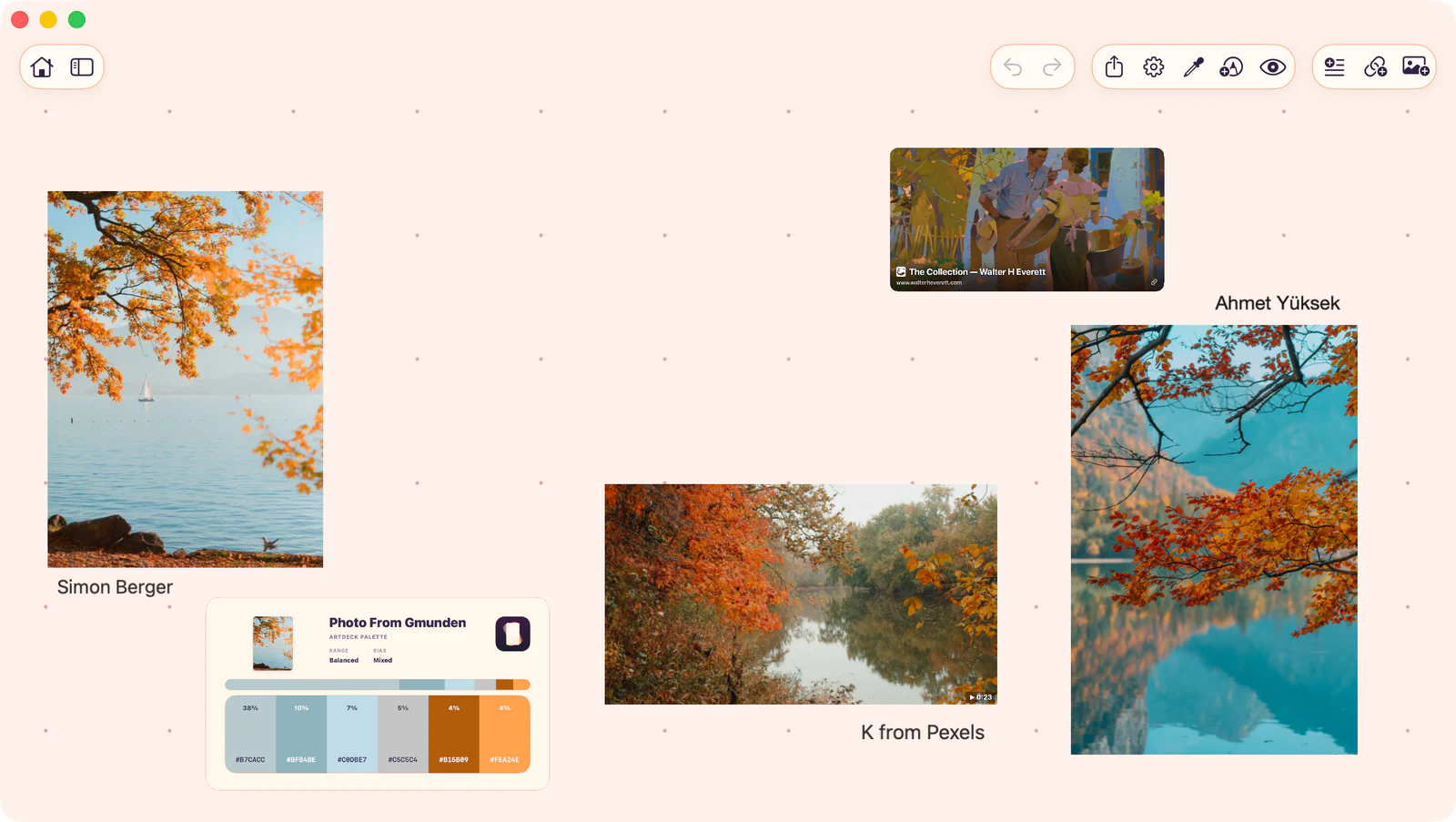
Make the first board, bring in something worth keeping, then learn the canvas moves that make the space feel natural.
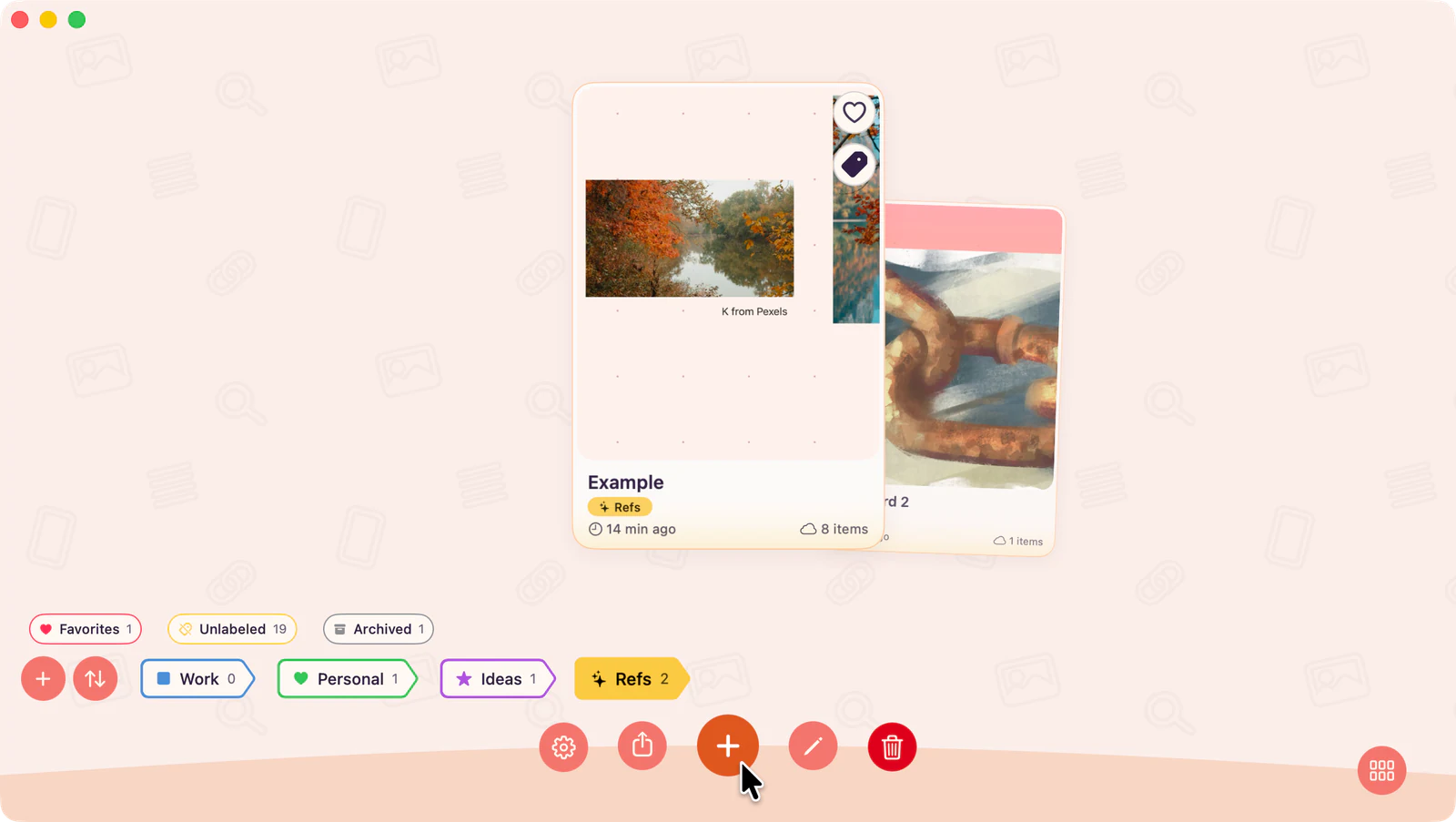
- 1Create your first boardStart in the Gallery, create a board, and rename it for the project.Creating Your First Board
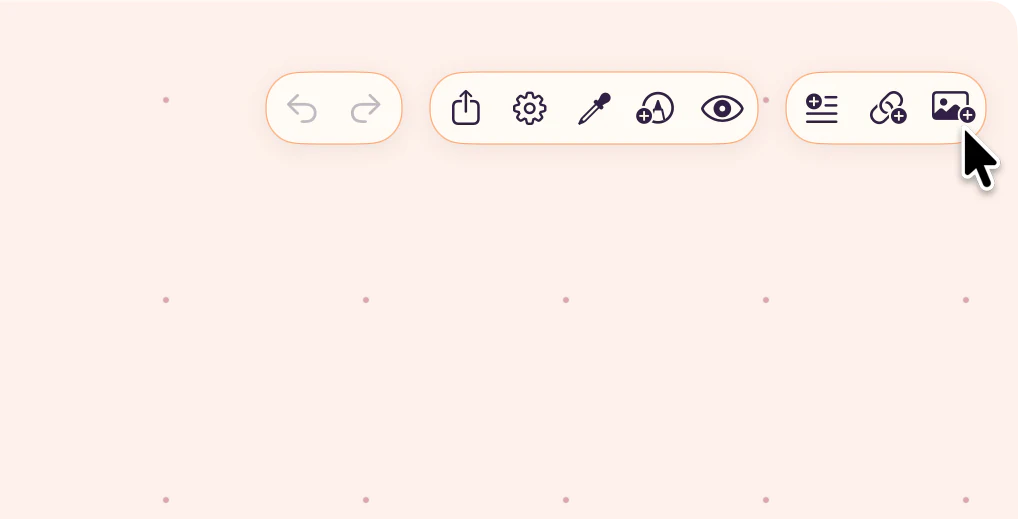
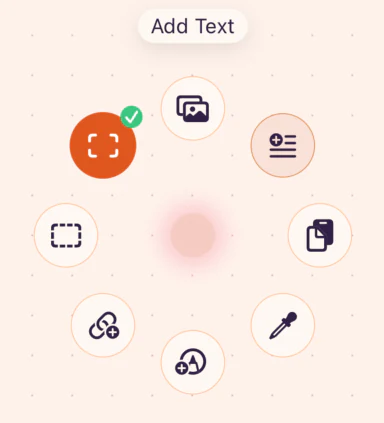
- 2Add your first contentUse Add Text, Add Link, or Add Media so the board has material to arrange.Add Your First Content
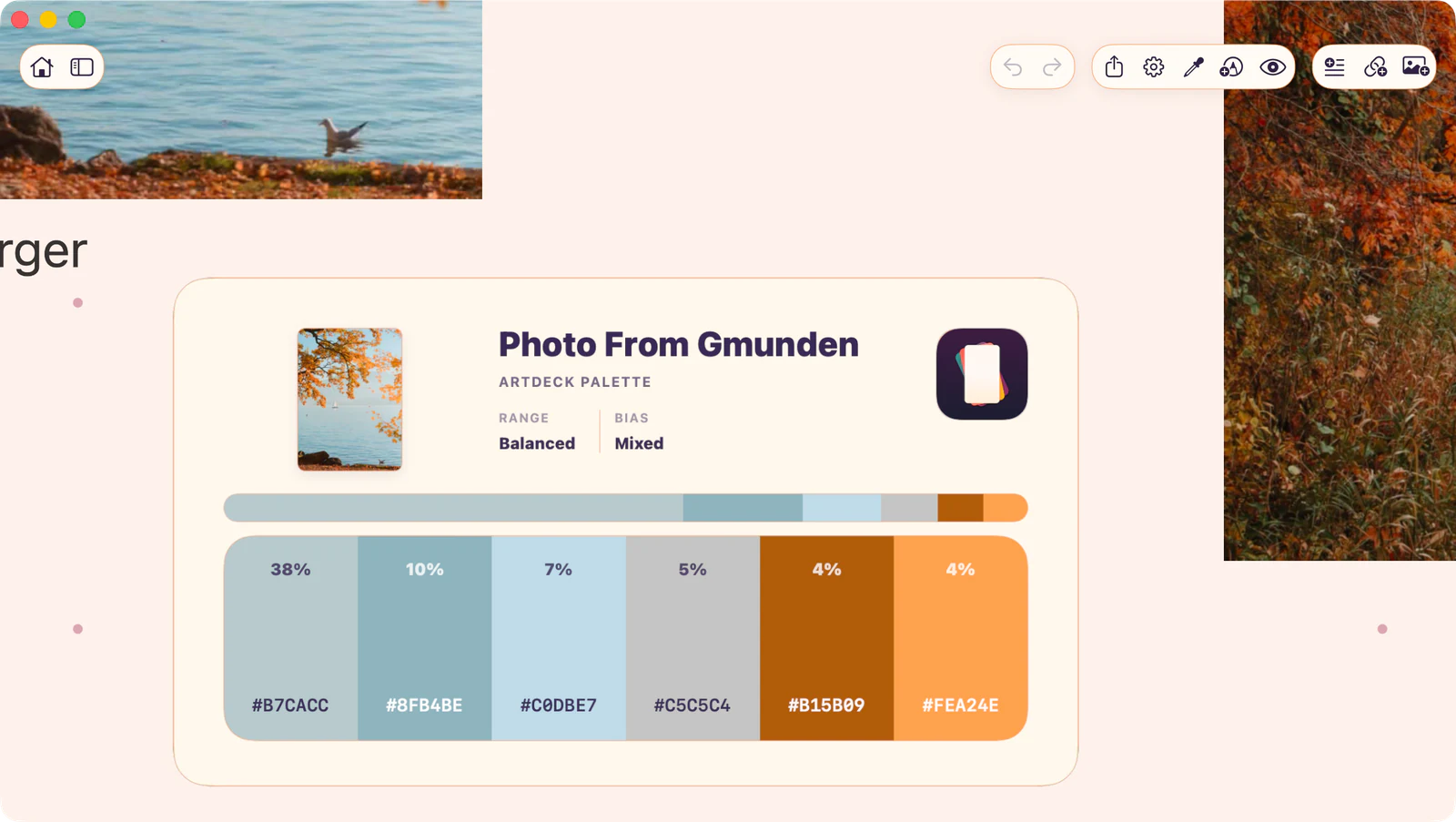
- 3Navigate the boardPan, zoom, open the hierarchy, and reset the view before arranging more items.Board Navigation
Learn the Basics
Use these when you want the shared controls and gestures behind everyday board work.
- Welcome to ArtDeckFind the Gallery, board, item, and canvas terms used across the docs.
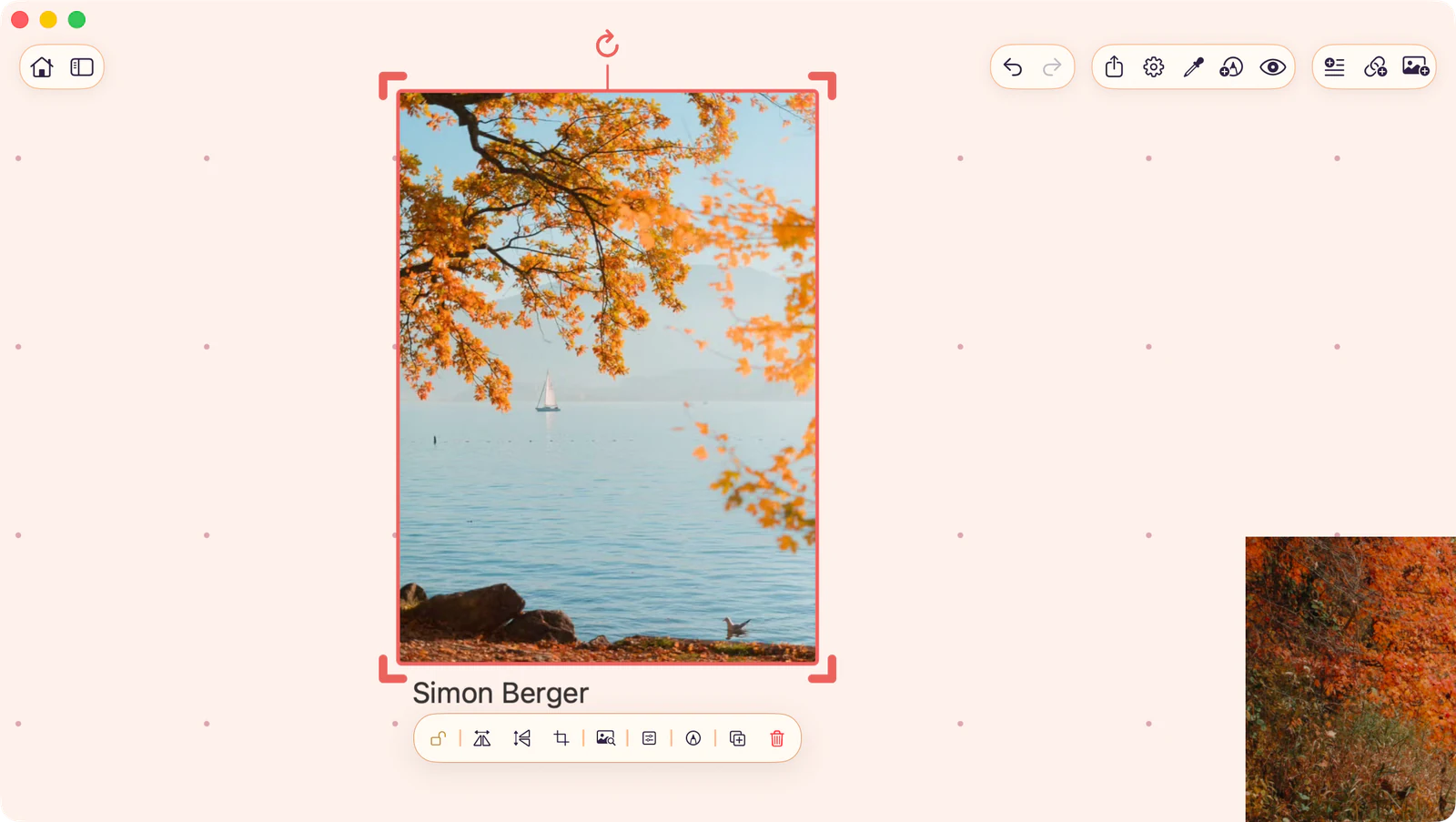
- Select itemsSelect one item or a group before moving, resizing, copying, or arranging.
- Use contextual menusOpen board, item, and gallery actions without leaving your current view.
- GesturesUse touch, pointer, and trackpad moves to pan, zoom, select, and arrange.
On the Canvas
Section titled “On the Canvas”Open the parts of ArtDeck you use while arranging, studying, importing, exporting, and syncing boards.
Platform Guides
See what changes on Mac, iPad, or iPhone.
Fix Something
Section titled “Fix Something”Use these when a board looks missing, stuck, unsupported, or hard to control, or when access is locked.