ArtDeck on iPhone
Available on iPhone
On iPhone, ArtDeck keeps the same board tools available on larger screens, then changes the surrounding presentation so panels, the gallery, and import controls fit the narrower display.
Compact Layout and Sheets
Section titled “Compact Layout and Sheets”- Item control bars and their GIF, video, text, and link sub-bars are shared across iPhone, iPad, and Mac. On iPhone, ArtDeck may switch the bars to compact sizing when the available width is tight.
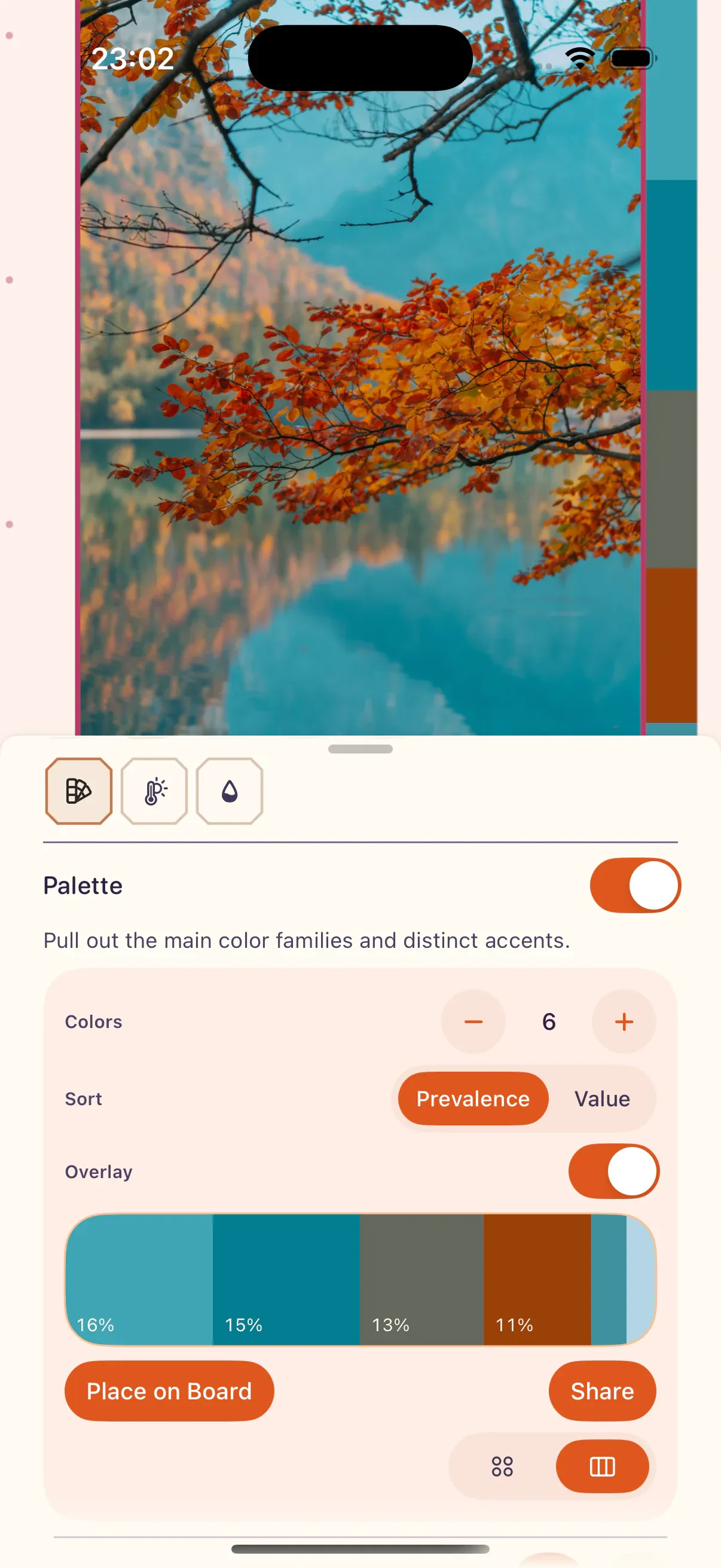
- In portrait, larger board panels such as Board Settings, Export, ToolBox, text formatting, and color panels open as native sheets. Small action menus, focused inputs, Add Media, and quick import menus stay as compact floating panels.
- The gallery uses phone-specific grid and carousel sizing, smaller label chips, and a bottom bar tuned for touch.
- Use
Add Media > Scan Documentto scan physical pages with the iPhone camera. UseAdd Media > Capturefor camera photos or video.
Input and Gestures
Section titled “Input and Gestures”ArtDeck uses the same core touch gestures on iPhone and iPad. On iPhone, supported touch interactions can also provide haptic feedback, including radial menu actions, selection changes, snapping, undo and redo, and action confirmations or errors.
Use two-finger tap for undo and three-finger tap for redo. Touch and hold with the same number of fingers to repeat undo or redo.
See Gesture Reference for the full touch gesture table, including pan, zoom, selection, contextual menus, ToolBox controls, and media playback.