
Carousel and Grid Views
Choose the Gallery view that matches the way you browse: carousel for a few visual boards, or grid for scanning a larger collection.
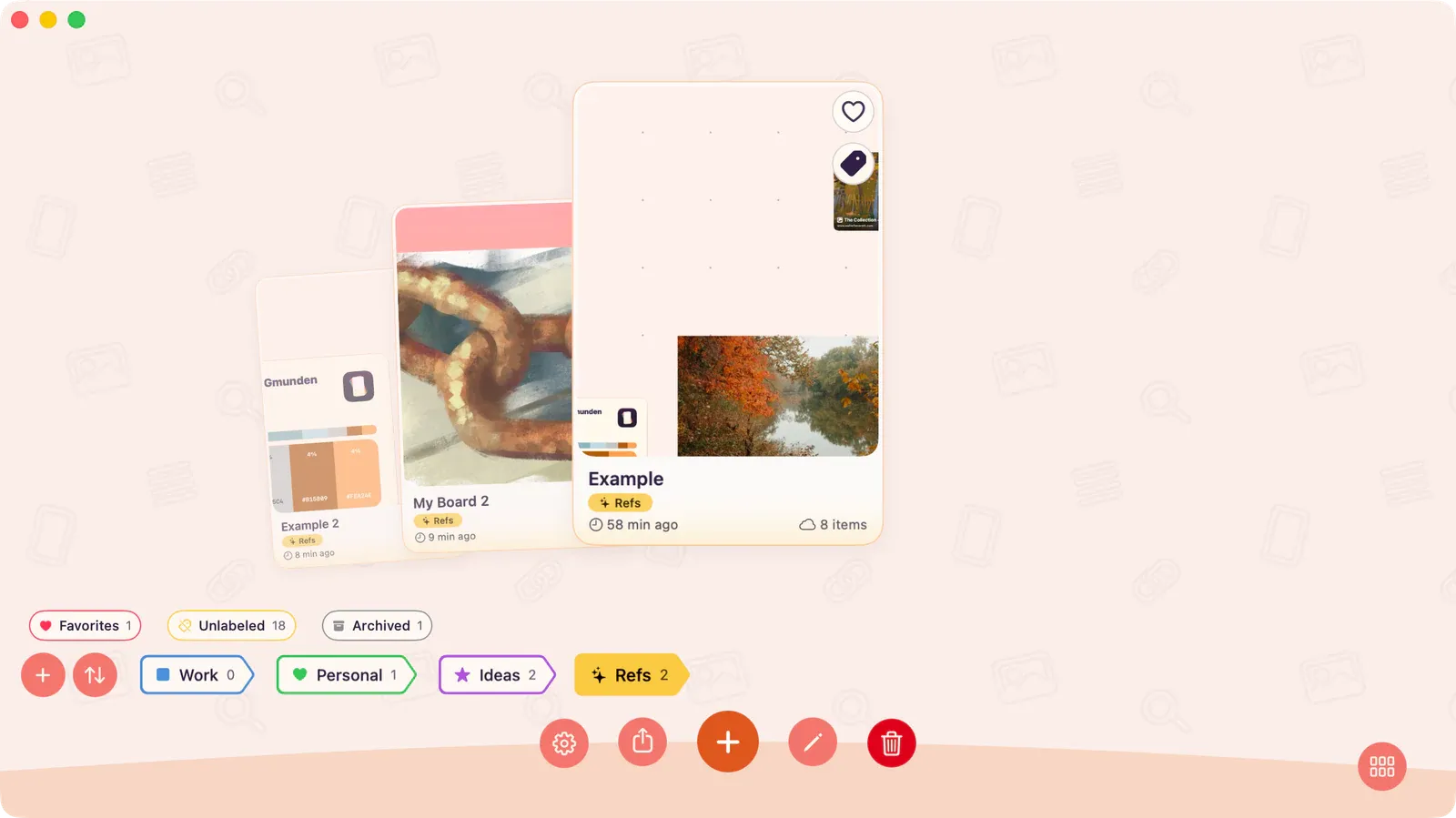
Carousel View
Section titled “Carousel View”Boards appear as large, swipeable cards. Best for visual browsing when you have a smaller number of boards.
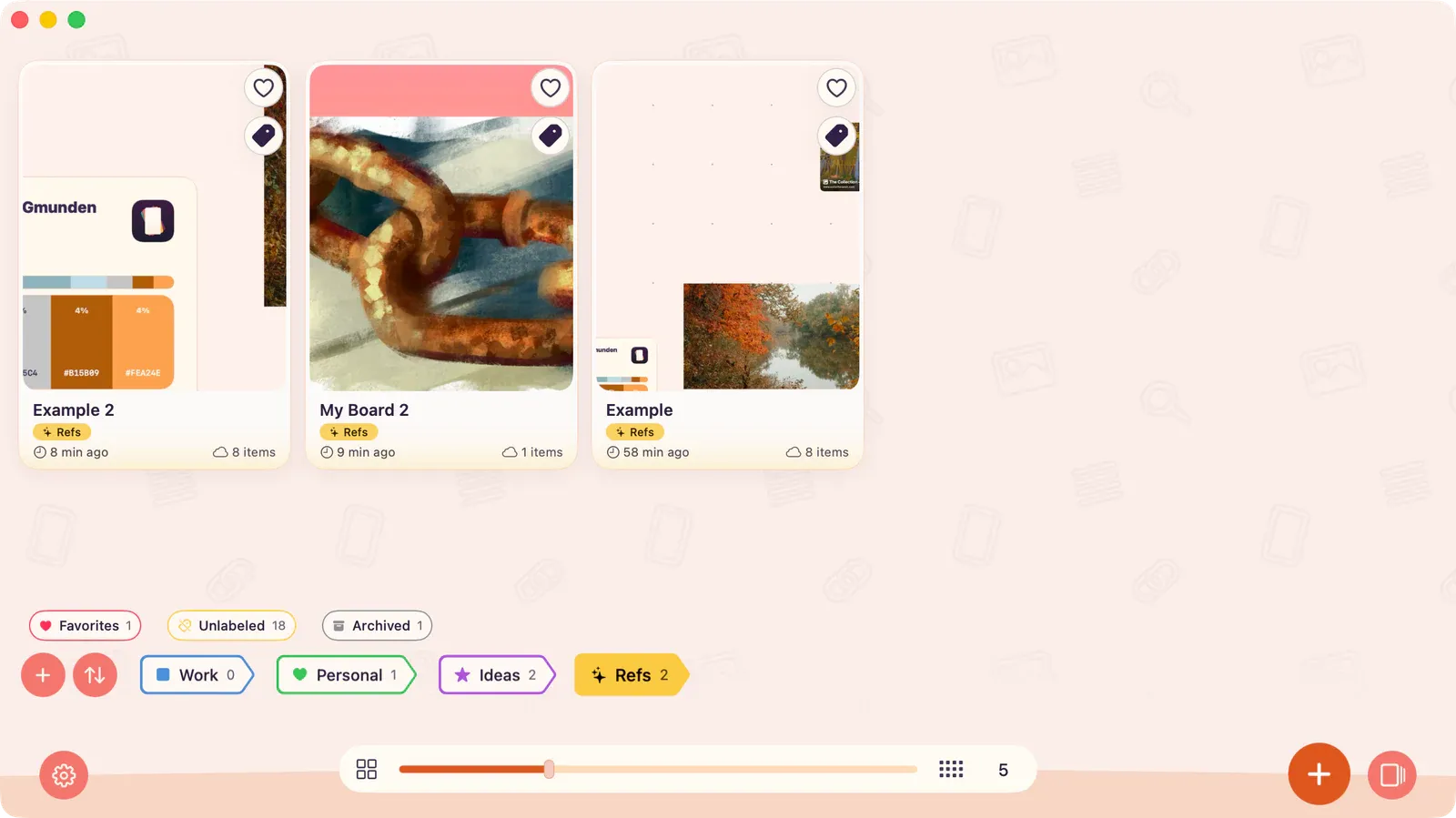
Grid View
Section titled “Grid View”Boards appear in a compact grid layout. Best for quickly scanning a large collection.
Switching Views
Section titled “Switching Views”- Press ⌘1 for carousel or ⌘2 for grid.
- On iPad and Mac, use the view mode control in the gallery header.
- On iPhone, tap the rightmost button in the bottom bar.
Your preferred view mode is remembered across sessions.