Composition Lens
Open the Composition lens to place guides, test crops, compare symmetry, and generate thumbnail studies.
Guides
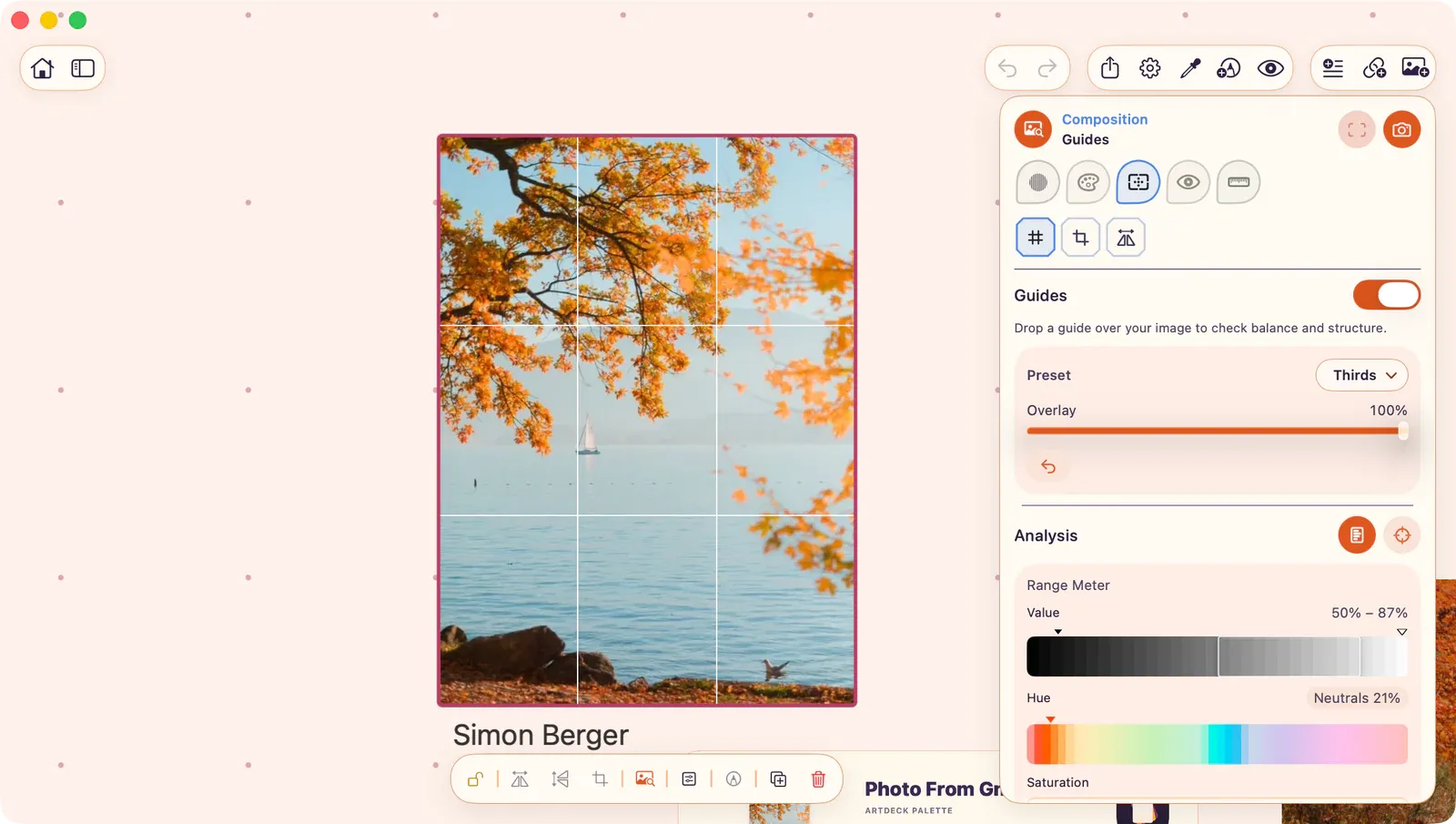
Section titled “Guides”Overlay composition guides on the image.
- Presets: Thirds, Phi (Golden Ratio), Diagonal, Center.
- Custom: Set row and column count (2 to 6 each).
- Opacity: Adjustable.
Viewfinder
Section titled “Viewfinder”Try alternate crops and framings with a temporary overlay.
- Aspect Ratios: 1:1, 4:5, 3:2, 16:9, or custom.
- Internal Thirds: Optional guide lines inside the viewfinder.
- Interactive: Drag to reposition, drag edges/corners to resize, all directly on board.
Symmetry
Section titled “Symmetry”Mirror one side of the image across an axis to test structural balance.
- Axis: Vertical or horizontal.
- Position: Drag to adjust axis placement.
- Direction: Forward or reverse mirroring.
- Opacity: Adjustable.
- Guide Line: Optional visible axis line.
Thumbnail Sheet
Section titled “Thumbnail Sheet”Generate a study strip of variants from the same frozen source, placed as a single board item.
- Variants: Toggle which to include: Original, Grayscale, Notan, Squint, Shape Grouping, Edge Hierarchy, Thirds Grid.