
Values Lens
Open the Values lens to check lightness, contrast, and large value groupings in an image.
Grayscale
Section titled “Grayscale”Strips color to reveal pure value structure. Two modes:
- Perceptual Lightness: Tuned to human vision, better for painterly analysis.
- Linear Value: Raw luminance values with no perceptual correction.
Value Ladder
Section titled “Value Ladder”Reduces the image into equal tonal bands to reveal dominant value groupings.
- Bands: Adjustable from 3 to 11 steps.
- Histogram: Shows how much of the image lives in each tonal zone.
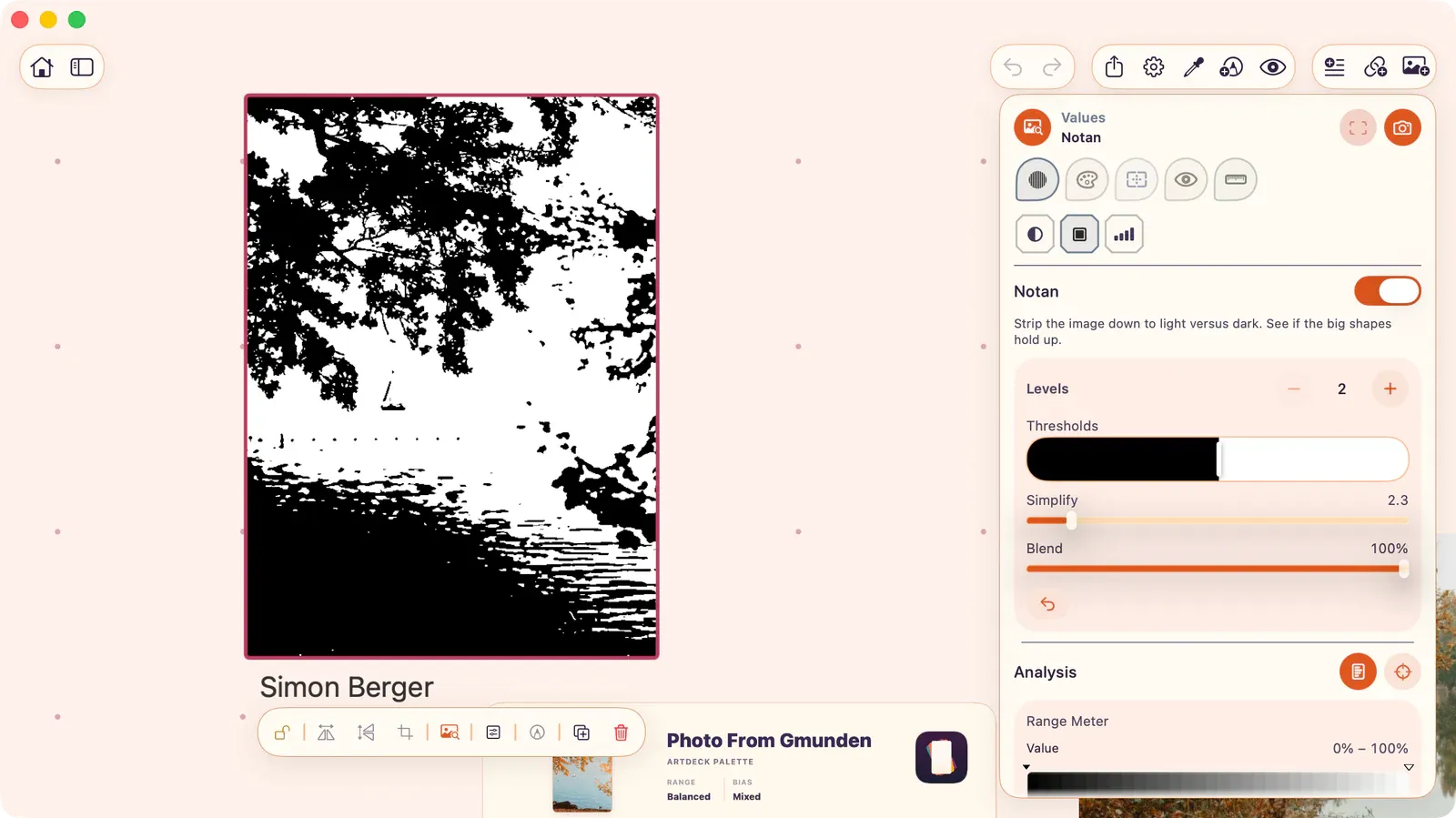
Collapses the image into discrete value groupings for large-shape clarity studies.
- Levels: Choose 2 to 5 value levels with the stepper.
- Thresholds: Each boundary between levels has its own draggable threshold handle on a multi-threshold bar. Drag any handle to shift where that boundary falls in the tonal range.
- Simplify: A slider that also acts as an enable/disable control. Drag to zero to turn simplification off; drag above zero to enable it and set the blur radius, which softens fine detail before the grouping is applied.
- Blend: Control how strongly the effect applies.